
Control System Guide — How to Use the Smrack Control System: Teach-In Memory, Fault Diagnosis, and Power-Off Retention
Smrack uses a touchscreen plus an Omron numerical controller for teach-in memory, self-diagnosis, alarm protection, and protected data retention. For operators and maintenance teams, the practical question is simple: how do you teach a cycle once, how do you diagnose a fault quickly, and what happens to stored data after a power loss?
-
- Controller
- Touchscreen + Omron numerical controller
-
- Teach-in memory
- Supported for repeated cycle recall
-
- Fault handling
- Self-diagnosis, alarm, and protection functions
-
- Power condition
- 380 V, 60 A, 5-core 10 mm² supply
-
- Product boundary
- Not a single-sheet independent retrieval system
01
Teach once, then recall the same cycle
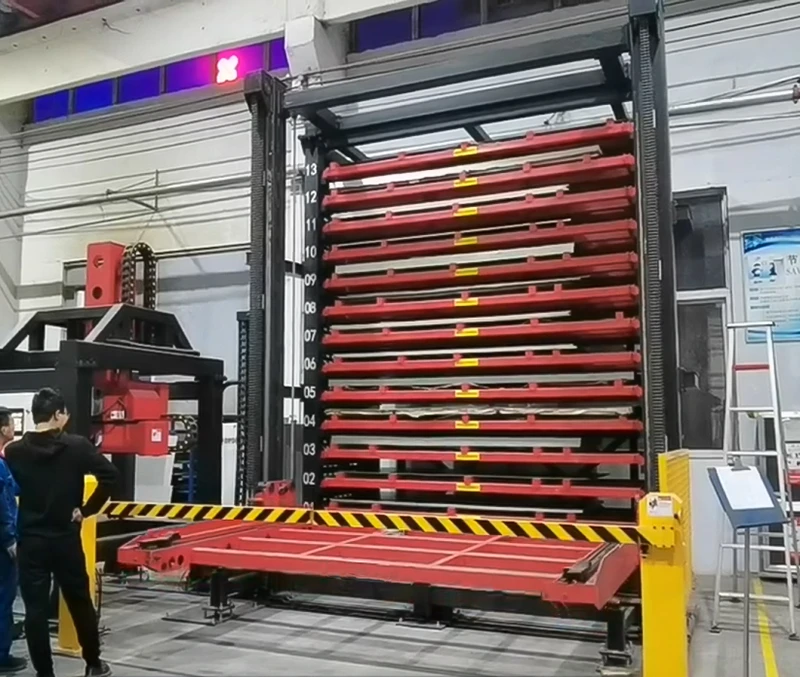
The touchscreen and Omron controller are built for teach-in operation. The operator records a standard handling sequence once, saves it, and then recalls the same action path on the next run instead of reprogramming from zero. That is the main value shown by the control module image: repeatable work with less setup drift. The controller supports the routine movement logic of a multi-level sheet storage tower, which is exactly what a production team needs when the same board size and same transfer pattern keep coming back.
02
Diagnose faults from the controller, not by guesswork
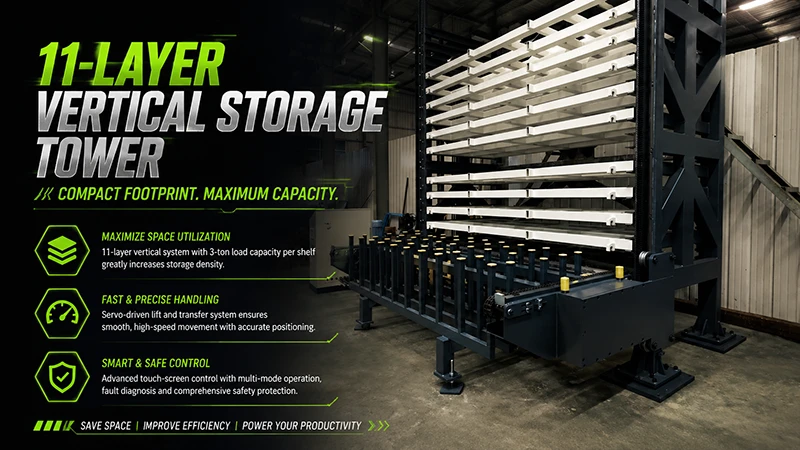
The drive assembly is there to remind users that the system is not manual. When a fault occurs, the Omron controller provides diagnosis, alarm, and protection logic so maintenance staff can locate the abnormal step before the whole tower is treated as a black box. In practice, that means checking the alarm message, confirming the drive path, and then isolating whether the issue sits in motion, positioning, or the operating sequence. The goal is faster maintenance with fewer blind resets.
03
Protection is part of the operating method
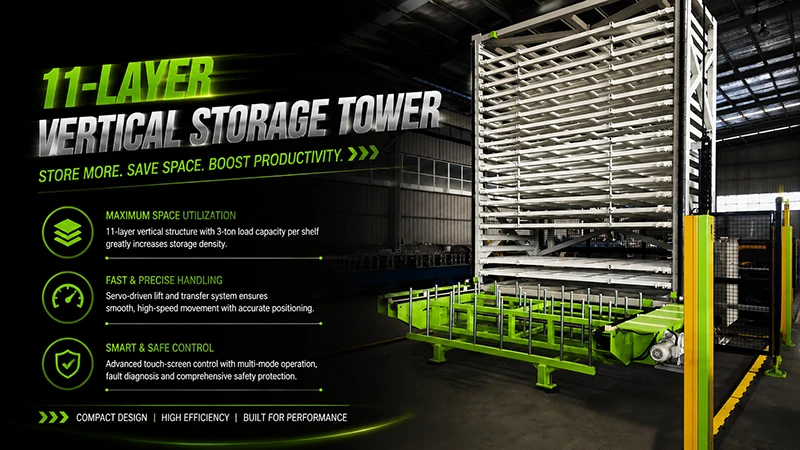
Operators do not need to guess where the safe boundary is. The front safety zone and protective barrier are part of the equipment layout, and the controller’s protection functions are designed to work with that boundary. In day-to-day use, the rule is straightforward: confirm the area is clear, run the stored motion sequence, and let the controller stop or alarm when conditions move outside the allowed range. That is the practical difference between a controlled storage tower and a simple open rack.
04
Stored data stays with the machine after a power cut
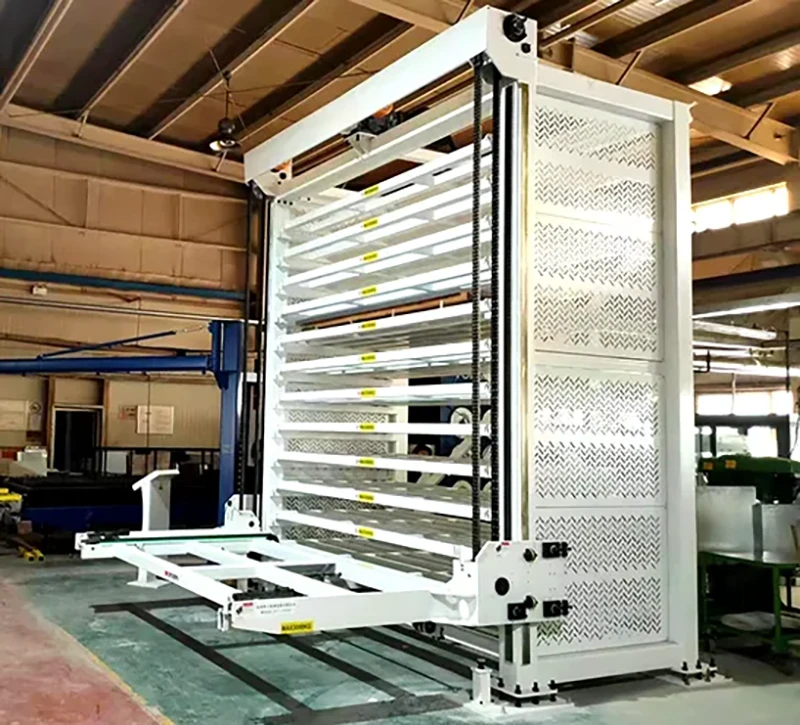
The section view helps explain why retained settings matter. Smrack is built around a defined operating layout with tiered storage and a controlled mechanism path, so the teach-in data is not a temporary screen note. If the power goes off, the stored process data is meant to remain available when the controller comes back online, allowing the team to resume without rebuilding every motion point from scratch. For operators, this is the difference between losing a shift to re-entry work and returning to the last validated process state.
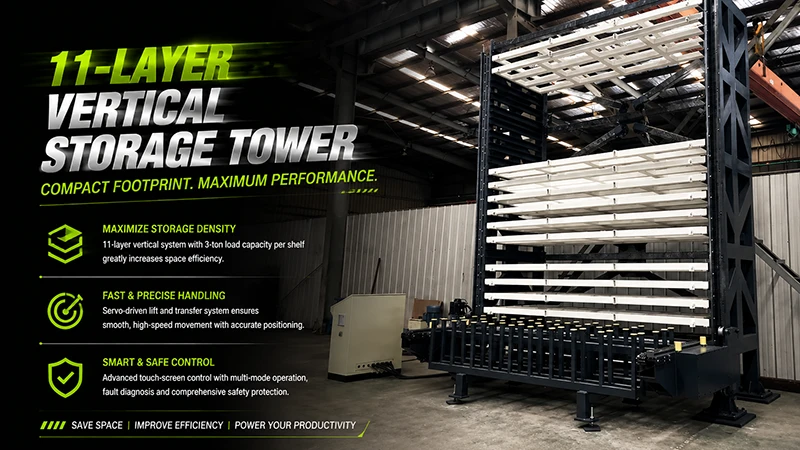
- Suitable for operators who need repeatable teach-in workflows on an 11-layer vertical sheet storage tower.
- Suitable for maintenance teams that need controller-based fault diagnosis, alarms, and protection on a servo-driven system.
Control features and operating logic are verified against the Smrack product facts and current control layout.
Need the control-page details?
If you want the operating interface, drive logic, and protection functions in one view, continue to the Smrack control page.
Return to PDP-08 for the full control-page reference.

 EN
EN  DE
DE  RU
RU  NL
NL  PT
PT  JA
JA  ES
ES  IT
IT